

Premium AI tools have genuinely changed how people write code, draft emails, and analyze documents. But the costs add up fast. Between ChatGPT Plus, Claude, Grammarly, and various coding assistants, many users find themselves spending hundreds of dollars each year on services they don't even use daily. That's when I started exploring a different path: running large language models (LLMs) entirely on my own hardware. After giving my local LLM access to my personal files, I was able to eliminate three subscription apps and save over $700 annually—without sacrificing quality.
The shift wasn't about being cheap. It was about regaining control. Cloud subscriptions come with token caps, sudden price hikes, and the nagging feeling that your data is being processed on someone else's servers. Local LLMs, on the other hand, offer unlimited usage, complete privacy, and a one-time hardware cost that quickly pays for itself. In this article, I'll walk through why I made the switch, which tools I replaced, and how you can do the same with minimal technical know-how.
The High Cost of AI Subscriptions
Let's break down the numbers. A general-purpose chatbot like ChatGPT Plus or Claude costs $20 per month each. If you use both, that's $480 a year. Then there's Grammarly Premium at about $144 per year. And if you rely on coding assistants like GitHub Copilot or Codeium, you're adding another $10 to $20 per month. At the end of the year, you might be paying $800 or more for tools that could be replaced by free, open-source alternatives running on your own computer.
These subscriptions also come with hidden costs. Token limits can throttle productivity during long coding sessions. Internet outages make the tools unusable. And when a company changes its pricing model or discontinues a feature you depend on, you're left scrambling for alternatives. Local LLMs eliminate all these headaches.
I started by calculating my own usage. I was paying for ChatGPT Plus for occasional brainstorming, Claude for longer writing tasks, and Grammarly for grammar checks. That was about $504 per year. After switching to local models, I haven't missed any of them. The performance gap has narrowed so much that I actually prefer my local setup for most tasks.
Why Local LLMs Are Now Viable
A few years ago, local LLMs were impractical. The models were too large for consumer hardware, and inference speeds were painfully slow. But the open-source community has made incredible progress. Tools like Ollama, LM Studio, and GPT4All make it easy to download and run models on ordinary desktops and laptops. Even a modest machine with a decent CPU and 8GB of RAM can run small models like Microsoft's Phi-3.5 Mini or Meta's Llama 3.2 at usable speeds.
For heavier tasks, you can invest in a dedicated machine. I repurposed an old office PC I bought for $200. It has a mid-range GPU and 16GB of RAM. That single purchase has paid for itself within the first four months of subscription savings. The models I use most—Qwen2.5-Coder-3B and Mistral 7B—run comfortably on this hardware. They handle code generation, grammar correction, and even complex reasoning with accuracy that rivals cloud-based competitors.
The key is choosing the right model for your hardware. Larger models like Llama 3 70B require high-end GPUs, but smaller quantized versions run surprisingly well on consumer setups. The community has created countless fine-tuned variants optimized for coding, writing, or general conversation. With GPT4All's Model Hub, you can browse and download these models in a few clicks without any command-line work.
Step-by-Step Setup with GPT4All
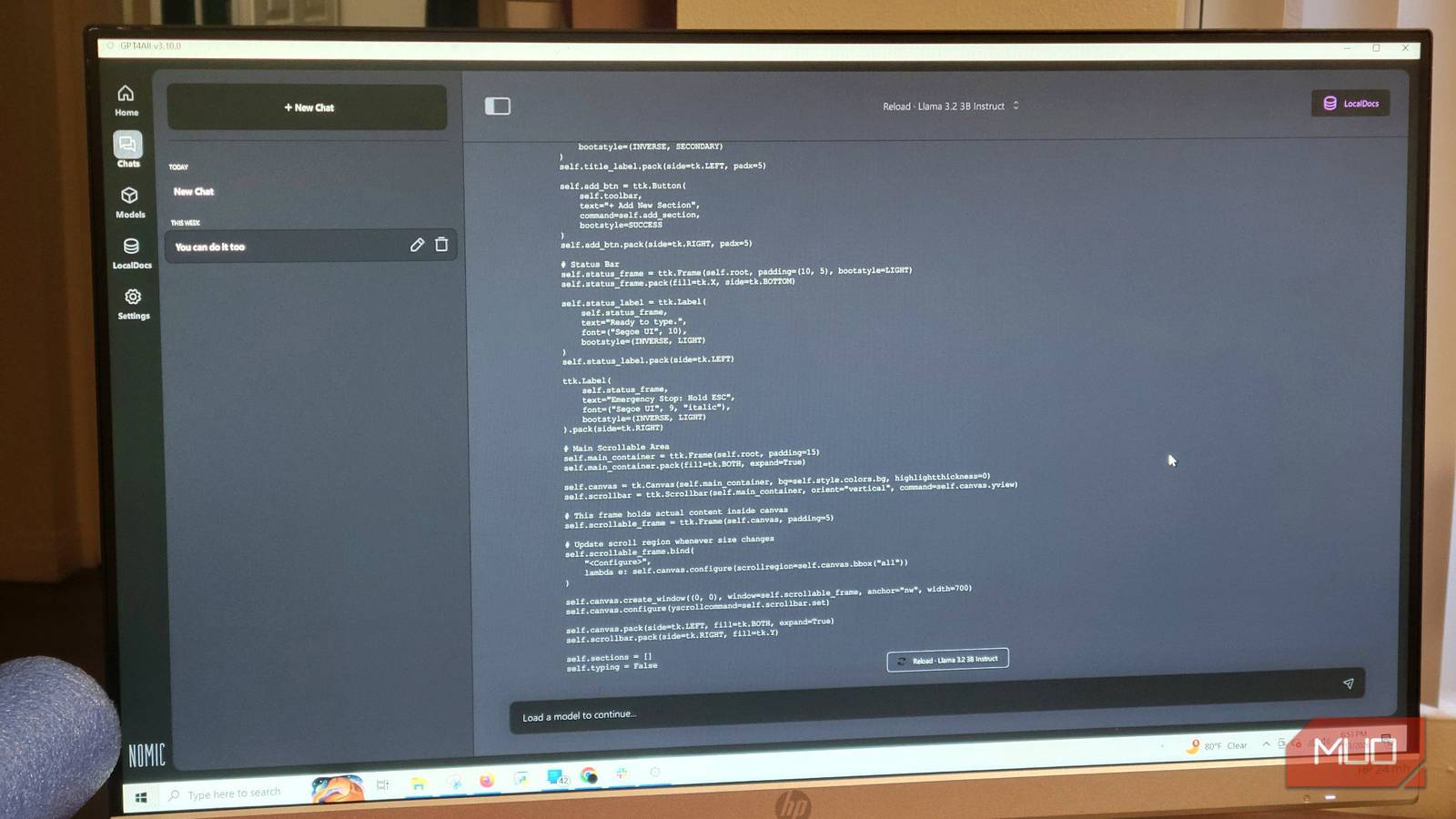
To get started, I downloaded GPT4All from its official website. It's free, open-source, and works on Windows, macOS, and Linux. After installation, I opened the Model Hub tab, which lists dozens of popular models. I searched for Qwen2.5-Coder-3B, selected the quantized version (Q4_K_M), and clicked download. The whole process took about 10 minutes.
Once the model was downloaded, I loaded it by selecting it from the model dropdown. GPT4All automatically uses whatever hardware is available, but you can tweak settings for better performance. I went to Settings > Model and increased the Max Length to 4096 tokens. This allows the model to process longer documents and maintain context. If your system has limited RAM, you can keep the default setting.
The interface is clean and intuitive. You can chat with the model directly, or use the local API to integrate it with other applications. I connected GPT4All to my code editor (VS Code) using a plugin called Continue. This allowed me to get code suggestions and file analysis from my local model without any network calls. The latency was surprisingly low—responses appeared within a second or two.
Replacing ChatGPT Plus and Claude
The first subscription I cut was ChatGPT Plus. For everyday queries, my local Llama 3.2 model performed just as well. It could explain concepts, draft emails, and summarize articles with similar accuracy. The only difference was that I sometimes had to rephrase prompts to get the desired output, but that became second nature after a few days.
Claude was replaced by a combination of Qwen2.5-Coder for technical analysis and Mistral 7B for creative writing. Claude's strengths lie in long-form reasoning, but open-source models have caught up. For instance, when I asked my local setup to write a 500-word article outline, the result was coherent and well-structured. I no longer felt the need to pay $20 a month for that capability.
The real win was the unlimited usage. No more token limits or subscription caps. I can iterate on the same paragraph twenty times without worrying about hitting a monthly quota. And since everything runs locally, there's zero latency from network calls.
Replacing Grammarly with Local Models
Grammarly Premium was the next to go. Its AI suggestions often felt inauthentic, and the premium version pushed hard for unnecessary upgrades. More frustrating were the occasional server outages that left me without grammar checks. With a local model like Phi-3.5 Mini, I got instant, offline grammar correction.
I set up a simple workflow: I write in any text editor, then run the paragraph through my local LLM with a prompt like "Check this for grammar and style, suggest improvements." The model returns corrections in seconds. It doesn't have Grammarly's deep style analysis, but for everyday writing, it's more than sufficient. And it's completely free.
For more advanced editing, I use a fine-tuned version of Llama 3.2 that was trained on editorial guidelines. It can adjust tone, fix passive voice, and improve readability. The results are comparable to Grammarly Premium, but without the annual fee.
Replacing Coding Assistants
Coding assistants like GitHub Copilot or Codeium are popular, but they come with monthly charges. I replaced them with Qwen2.5-Coder, a model specifically designed for code. Using the Continue extension in VS Code, I set my local GPT4All as the backend. Every time I typed a comment or a function stub, the model suggested completions.
The suggestions were not as fast as Copilot's cloud-hosted models, but they were accurate enough for most tasks. For complex algorithms, I could ask the model to generate a full function, then review and tweak it. The latency was around one to three seconds, which felt acceptable for local hardware. If you have a dedicated GPU, you can get near-instant responses.
The best part? No tracking. Every query stays on my machine, which matters when I'm working on proprietary code. I no longer worry about code snippets being sent to external servers. And I can run unlimited generations without hitting any API rate limits.
Hardware Considerations
You don't need a top-tier gaming rig. A used office computer with a decent CPU and 8GB of RAM can run small models. If you want to run 7B or 13B parameter models, aim for 16GB of RAM and a dedicated GPU with at least 4GB VRAM. Models can be quantized to reduce memory usage—the Q4_K_M quantization is a good balance between quality and performance.
I set up a dedicated headless server using an old HP EliteDesk I bought for $200. It runs Ubuntu and is accessible from my main PC via a web interface. That way, my main machine doesn't slow down during AI tasks. With a 10W idle power consumption, it costs pennies a day to run.
For laptop users, even a modern ultrabook with a powerful CPU can run smaller models like Phi-3.5 Mini. The key is to close unnecessary applications to free up RAM. You can also use offloading to run parts of the model on the CPU if your GPU is limited.
Data Privacy Benefits
One often overlooked advantage is privacy. When you use cloud AI, your conversations, documents, and code are processed on servers you don't control. Companies may use that data for training or analytics. With local LLMs, everything stays on your device. This is crucial for professionals handling sensitive information, such as legal documents, medical records, or proprietary source code.
I now feel comfortable feeding my LLM personal files—notes, drafts, even financial spreadsheets—without worrying about data breaches. The model never phones home. Even if the open-source model contains biases, the data I provide remains under my control. This peace of mind alone is worth the upfront hardware investment.
The Future of AI on Your Machine
The open-source ecosystem is evolving rapidly. New models are released weekly, each improving on the last. Tools like Ollama and LM Studio are constantly adding features, such as multimodal support and fine-tuning capabilities. Soon, local LLMs will be able to process images, audio, and video as well as any cloud service.
I've already started experimenting with local vision models that analyze screenshots and diagrams. The integration with file systems is becoming seamless—I can ask my LLM to summarize a PDF or extract key points from a spreadsheet without any cloud dependency. In another year, I suspect most people will have at least one local AI model running for everyday tasks.
By switching to local LLMs, I not only saved hundreds of dollars but also gained a deeper understanding of how AI works. Troubleshooting performance bottlenecks taught me more about hardware optimization. And the ability to use AI without an internet connection is a game-changer for remote work and travel. If you're still paying for multiple AI subscriptions, I encourage you to try a local setup. The transition is easier than you think, and the benefits go far beyond cost savings.
Source: MakeUseOf News