

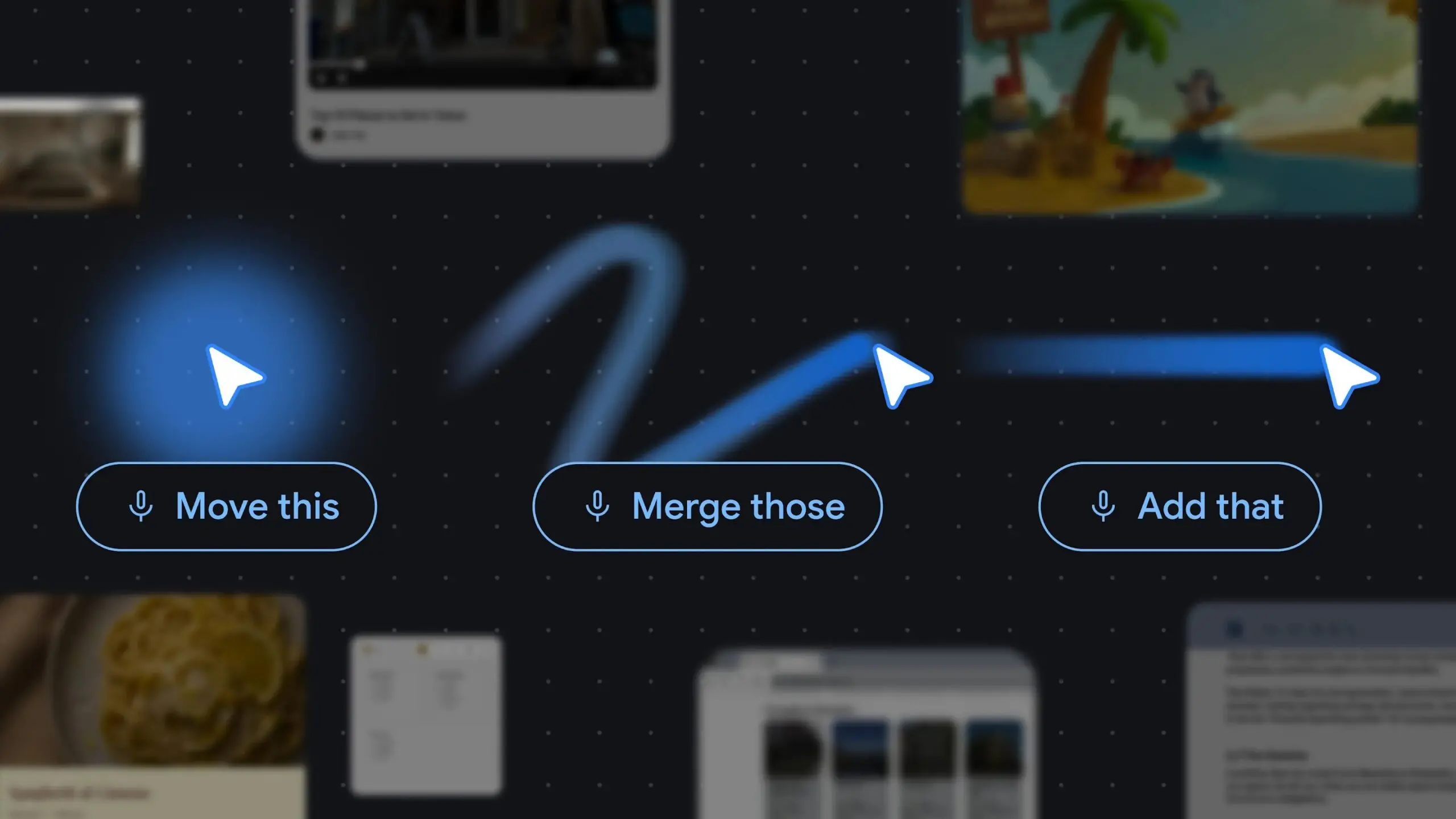
Google has announced that its innovative Magic Pointer feature, an AI-powered cursor experience originally unveiled for the new Googlebook laptops, is now making its way to Gemini in Chrome. This expansion marks a significant step in Google’s efforts to integrate artificial intelligence directly into everyday computing tasks, promising to transform how users interact with web content. The rollout, as detailed by Google DeepMind researchers in a recent blog post, aims to bring decades-old cursor technology into the modern era by leveraging Gemini’s contextual understanding capabilities.
The Evolution of the Mouse Pointer
For over half a century, the mouse pointer has remained largely unchanged—a simple icon that moves across the screen, clicking and dragging. Google DeepMind points out that while computing has advanced dramatically, the cursor has barely evolved. Magic Pointer seeks to change that by embedding AI directly into the pointer’s function. Instead of merely indicating a location, the cursor now understands what it is pointing at—whether it’s text, an image, a button, or a code block—and can respond to user requests in a conversational manner.
This innovation builds on decades of research in human-computer interaction. Early graphical user interfaces relied on direct manipulation, but the pointer remained a passive tool. With Magic Pointer, the pointer becomes an active agent that interprets intent through physical gestures and shared context. Users no longer need to type lengthy prompts or copy-paste content into a separate AI interface; they can simply point and ask Gemini for assistance.
How Magic Pointer Works in Chrome
According to Google DeepMind, the Magic Pointer experience in Chrome enables users to ask Gemini about specific parts of a webpage without writing complex prompts. For example, a shopper could select several products on an e-commerce page and ask Gemini to compare their features. Alternatively, someone looking to redecorate could point to a spot in a living room image and ask the AI to visualize a new couch there. These interactions feel natural because the system understands both the object being pointed at and the user’s goal.
The underlying technology relies on Gemini’s ability to recognize what’s on the screen—turning pixels into actionable entities. This includes identifying objects, dates, places, handwritten notes, or even elements within a video. DeepMind describes this as “intuitive AI that meets users across all the tools they use, without interrupting their flow.” Instead of shifting context to a separate application, users remain on the webpage while Gemini processes their request.
Google has not yet specified which regions or user segments will receive access first. Early adopters may need to wait for a gradual rollout. Those checking Gemini in Chrome currently may not see Magic Pointer capabilities, indicating that the feature is being introduced in phases.
Comparison with Googlebook Implementation
While Magic Pointer on Googlebooks will likely support more complex actions—such as interacting with handwritten notes or real-time code debugging—the Chrome version will focus on core functionalities like comparison, visualization, and basic content understanding. This differentiation aligns with typical product strategies where flagship hardware showcases the full potential of a feature, while software extensions offer a subset of capabilities to a wider audience.
The Googlebook, announced alongside Magic Pointer, is designed to be a showcase for Gemini’s capabilities, with deeper hardware integration that allows for more seamless AI experiences. In contrast, the Chrome extension makes Magic Pointer accessible to millions of users on existing devices, lowering the barrier to entry. Both versions share the same underlying AI model but optimize for different contexts.
DeepMind’s Vision: Human-Centric AI Interactions
In their blog post, DeepMind researchers elaborated on the design principles behind Magic Pointer. They emphasized that AI interactions should feel more human and conversational. Instead of typing detailed queries, users could make simple, context-rich requests like “Fix this,” “Move that here,” or “What does this mean?” The system interprets these commands based on the pointer’s location and the content displayed.
This approach addresses a common pain point with current AI assistants: the need to articulate intent precisely. By allowing physical gestures—like pointing—to convey context, the system reduces cognitive load and makes technology more accessible. For instance, a user looking at a complex code snippet could point to a specific line and say, “What does this function do?” without having to type a description.
DeepMind also highlighted the importance of latency and responsiveness. Magic Pointer must process information in real-time to maintain a natural flow. Achieving this requires efficient model architectures and optimized inference pipelines, which Google has been refining through its TPU infrastructure and recent improvements in Gemini’s performance.
Background on Gemini and Chrome Integration
Gemini is Google’s flagship multimodal AI model, capable of understanding text, images, audio, and video. Its integration into Chrome marks a strategic move to embed AI directly into the browsing experience. Earlier features, such as “Help me write” and automatic tab organization, have already demonstrated Gemini’s utility in everyday tasks. Magic Pointer adds a new dimension by enabling spatial understanding.
The Chrome version is likely just the beginning. DeepMind’s research suggests that similar pointer-based AI could extend to other Google products, such as Docs, Sheets, or even the operating system itself. The long-term vision is a unified AI that works across all surfaces, using whatever input method is most natural—voice, touch, or pointer.
Security and privacy are also key considerations. Google has assured that Magic Pointer processes data locally where possible, and when cloud inference is required, it adheres to strict data protection policies. Users will have control over when the AI is active, and the system will not store personal browsing data or screen contents without permission.
Potential Impact on Web Browsing and E-Commerce
Magic Pointer could significantly alter online shopping experiences. By enabling direct comparison and visualization, it reduces the need to switch between tabs or rely on third-party tools. For example, a user on a retail site could point to two different laptop models and ask Gemini to compare specifications and prices. The AI might then present a side-by-side summary highlighting differences.
Travel planning could also benefit. Pointing at a destination image and asking “What are the best hotels in this area?” could trigger Gemini to pull up relevant recommendations and reviews. Similarly, pointing at a date in an article could prompt the AI to add it to Google Calendar.
For developers, pointing at code blocks could explain syntax or suggest fixes. In educational contexts, students could point at complex diagrams and receive explanations. The possibilities are vast, limited only by the AI’s ability to understand context and the user’s creativity.
However, the feature also raises questions about distraction and over-reliance. Critics argue that AI-powered cursors might encourage passive consumption instead of active thinking. Google DeepMind acknowledges this and positions Magic Pointer as a tool to enhance, not replace, user intent. The AI is designed to assist when explicitly invoked, not to act autonomously.
Competitors are also watching. Microsoft has been integrating Copilot into Windows and Edge, offering similar contextual assistance through sidebars. Apple’s Spotlight and Vision Pro also explore spatial AI. The race to redefine human-computer interaction is intensifying, and Magic Pointer gives Google a strong foothold in the browser space.
As the rollout progresses, user feedback will shape future iterations. Early adopters may discover novel uses that developers hadn’t anticipated. Google has a history of turning experimental features into core products—Magic Pointer could become as ubiquitous as the scroll wheel.
For now, the Magic Pointer in Chrome represents a glimpse into a future where the line between tool and assistant blurs. Instead of interacting with separate apps and commands, users simply point, ask, and receive. The mouse pointer, once a passive icon, becomes an intelligent companion that understands not just where you are, but what you need.
Source: Android Authority News